SSH certificates that expire
Replace authorized_keys with short-lived certificates. Groups decide who gets which login, and terminal sessions through Fob are recorded.

Why move off shared keys
| With shared keys | With Fob |
|---|---|
| Keys work until removed from every server. | Certificates expire on their own, within hours. |
| Offboarding means hunting down every key. | Remove them from the group, and connections through Fob end. |
| Shared deploy keys hide who connected. | Logs name the person who connected. |
| SSH is exposed, or behind a bastion. | With the agent, no inbound port or bastion. |
Logins by group
Give a team a login on Production, Staging or a single server. Each server accepts only the logins granted on it, so nobody carries a key that opens everything.

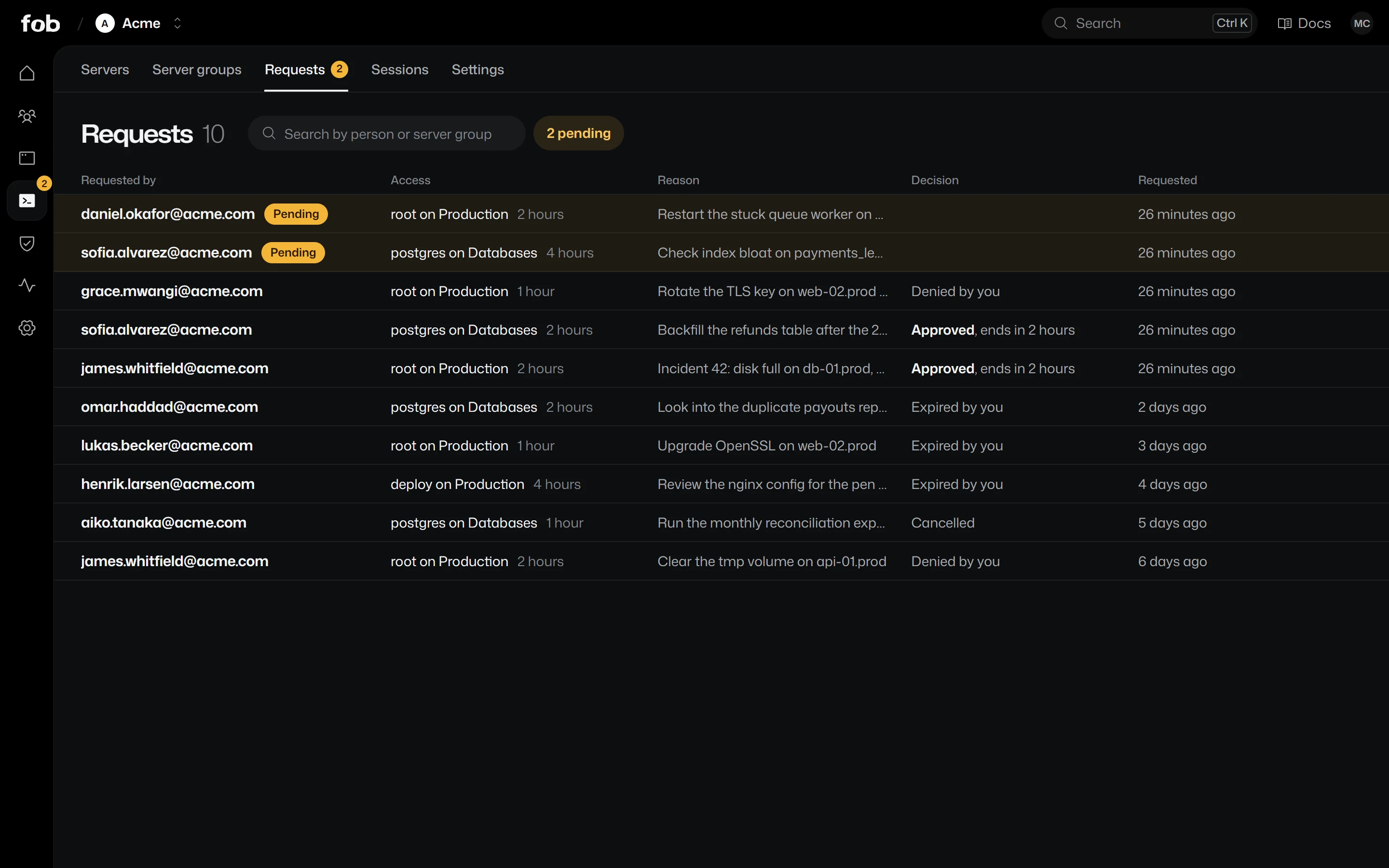
Sensitive access, on request
For logins nobody should hold all the time, people ask for a few hours and say why. Someone else approves, and the connection ends when the time runs out.
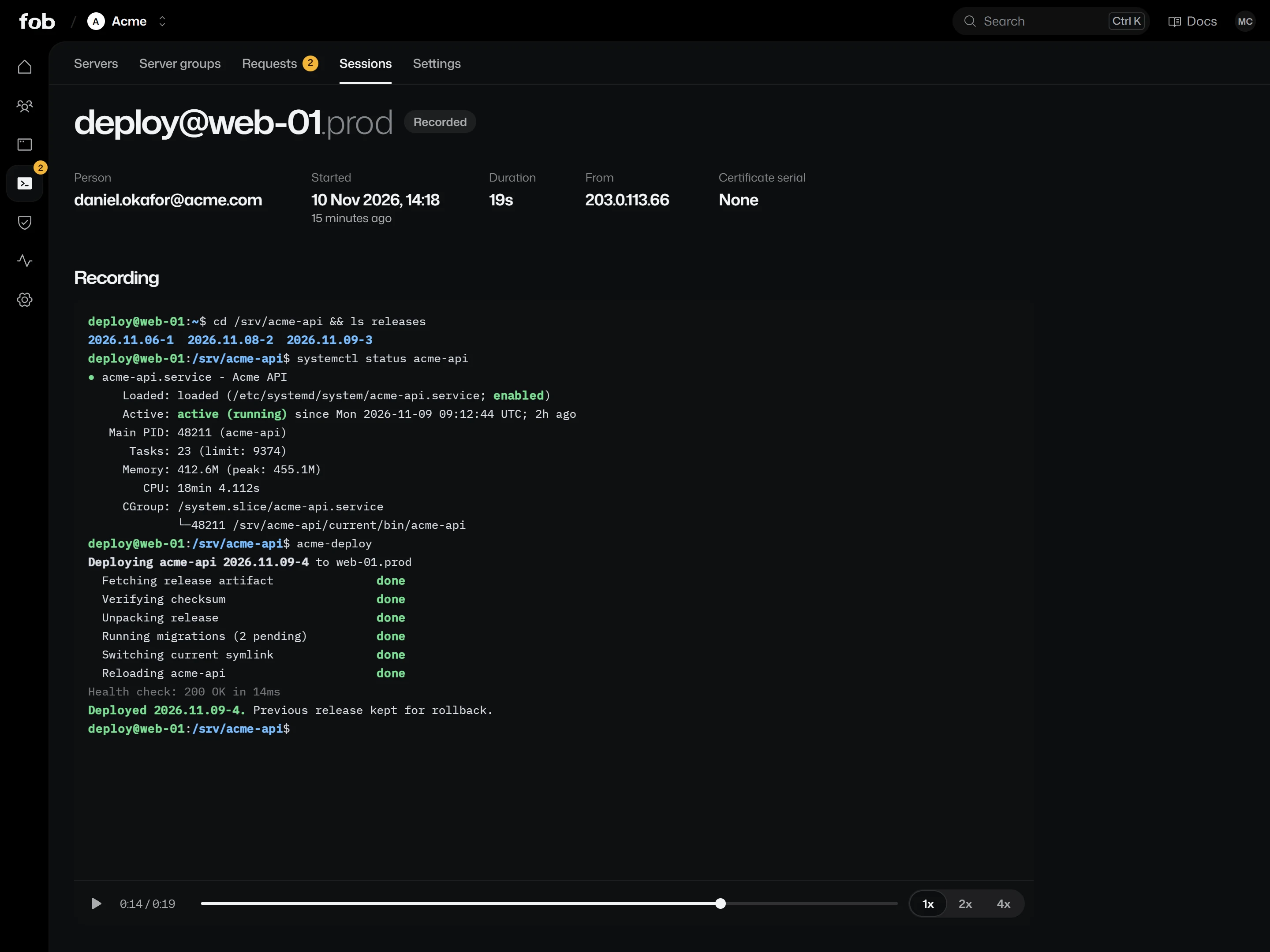
Replay any terminal session
Sessions through Fob are recorded off the server, so neither the server nor the person holds the recording. Open one in the console and watch what happened.
Start with one server
Join a server with the setup command from the console, and existing keys keep working until you remove them. Your team installs fob, signs in once and connects.
curl -fsSL https://fob.so/install.sh | shirm https://fob.so/install.ps1 | iex
Add your first server.
Turn on Access, give one group a login, and join one server.