Single sign‑on for internal apps
Your team signs in once and opens every tool from one page. You decide who gets which app.

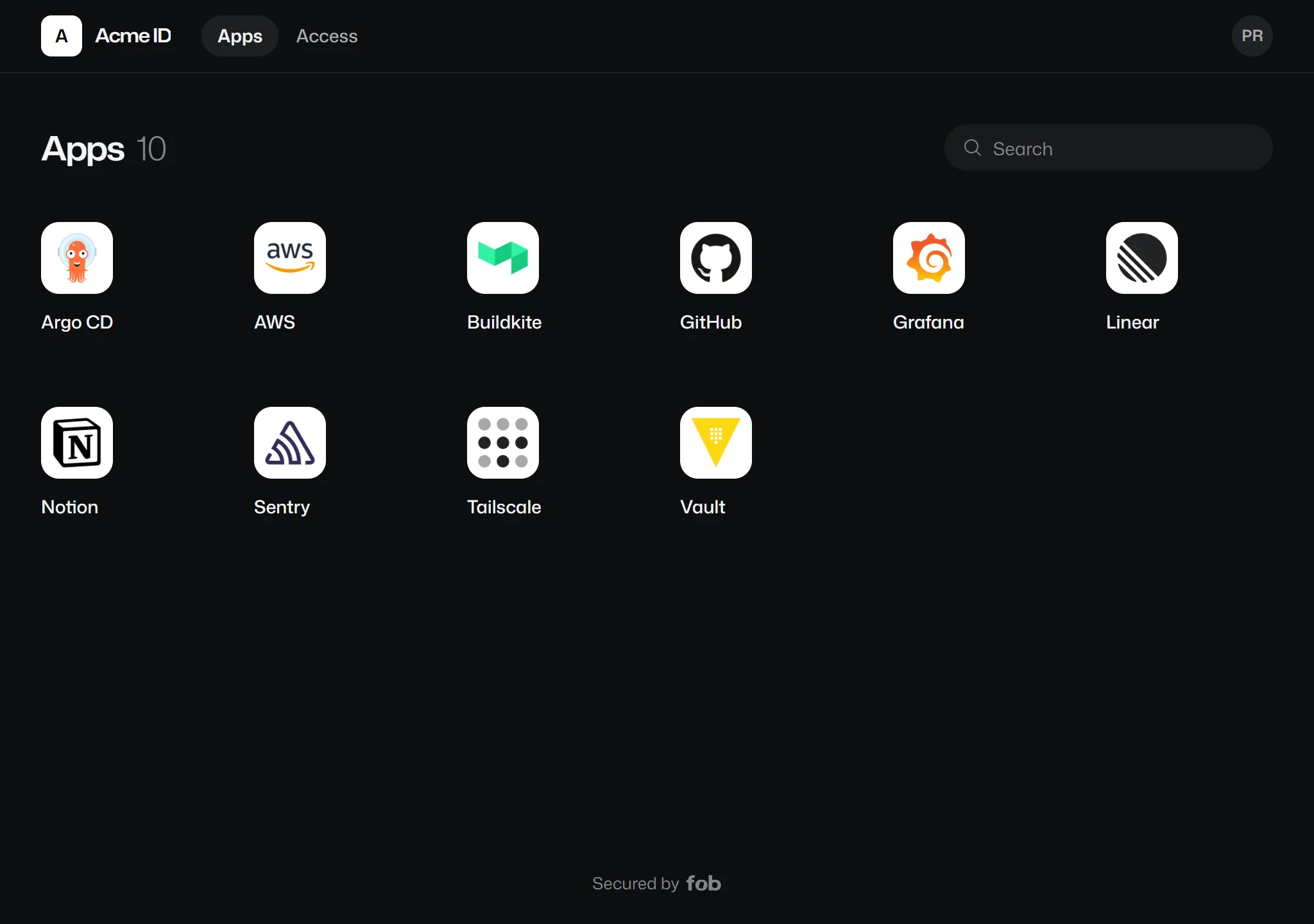
One page for every app
Everyone sees the apps they've been given and nothing else. No bookmarks to pass around, and no asking which address staging is on this week.
Works with anything that speaks OpenID Connect or SAML
There's no catalogue of connectors to wait on. If a tool supports either standard it signs in through Fob, and so do the apps you built yourself.
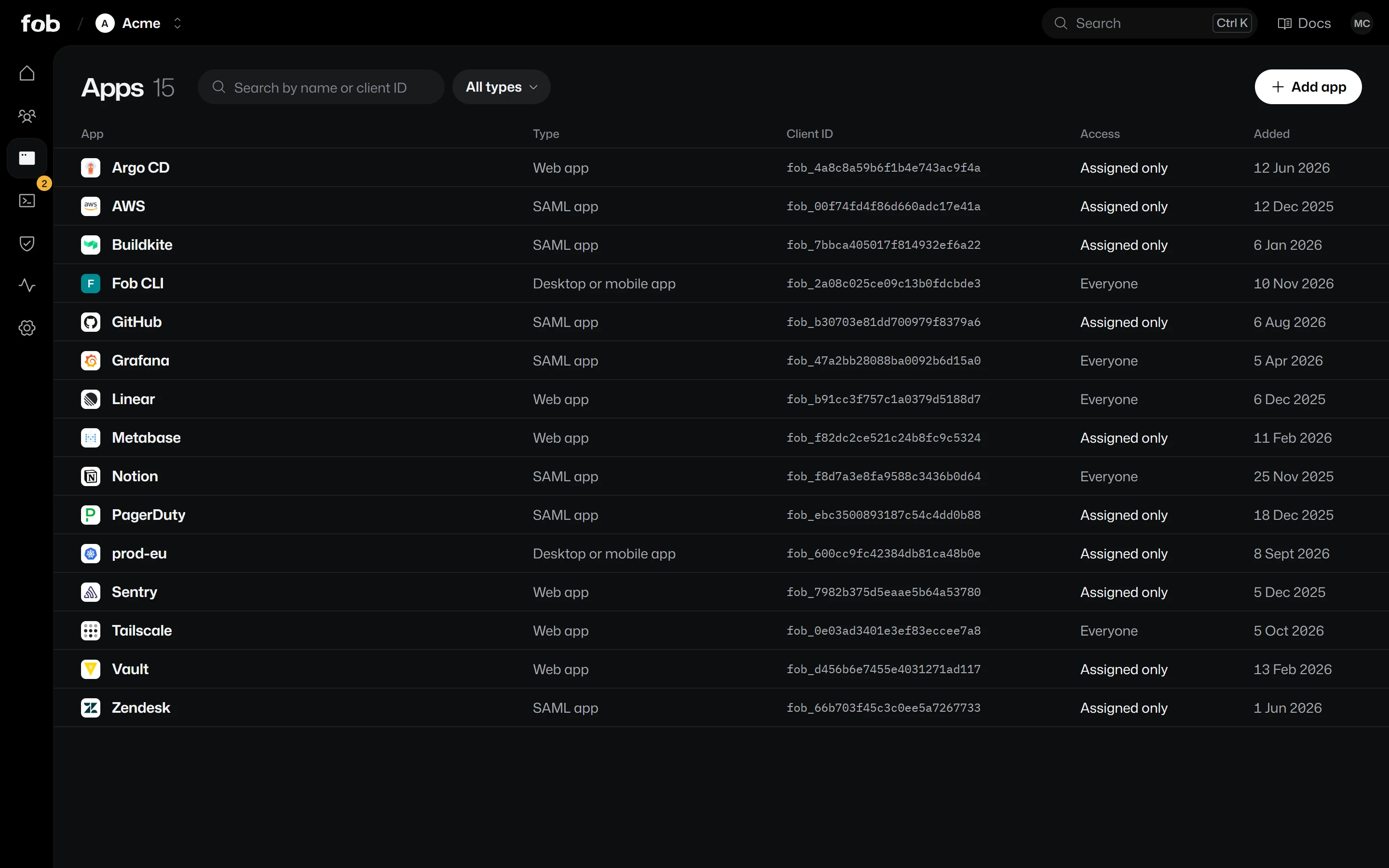
Decide who gets in
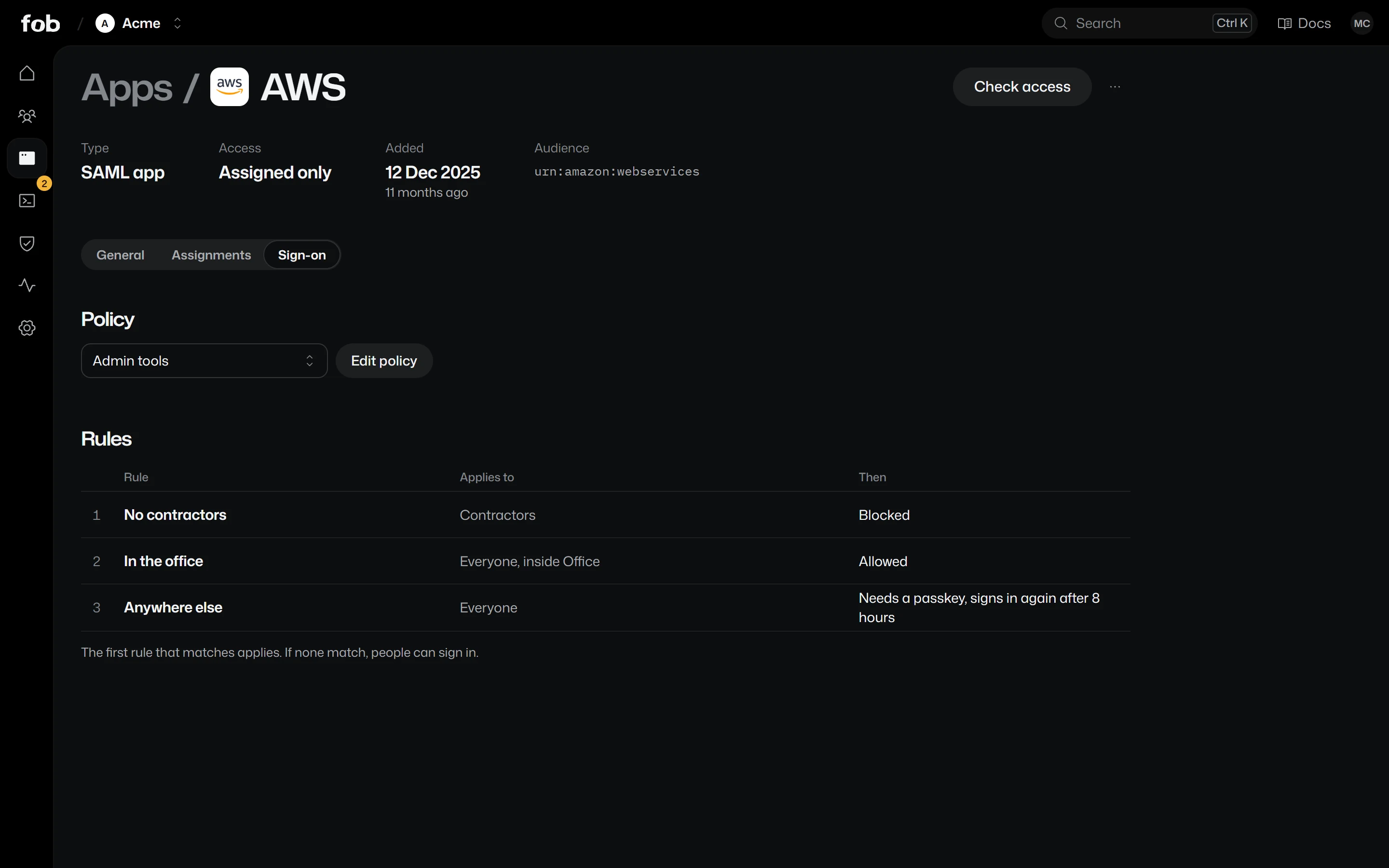
Assign each app to the groups that use it, and set what it asks for at sign-in. Apps are sent each person's groups and roles, so permissions follow your directory.

Give everyone their own key.
Single sign-on, passkeys and logs are on the free plan. Tell us about your team and we'll get you started.